

RUA reports give you aggregate, domain-wide visibility into authentication results. RUF reports give you message-level forensic detail on individual failures. For nearly every organisation, RUA is the report that belongs in your DMARC record from day one. RUF is a targeted tool you switch on later, for a specific investigation, once you have weighed the privacy and storage cost against what it will actually tell you.
TL;DR:
- Nearly all organizations should prioritize enabling RUA reports in their DMARC records because they provide essential domain-wide authentication insights.
- RUA reports deliver daily, aggregated data on source IPs, SPF and DKIM results, and policy actions, helping detect unauthorized senders and track email configuration improvements.
- RUF forensic reports, which contain message content, are less reliable, generate privacy concerns, and should only be used temporarily during specific security investigations.
- Handling RUF data requires strict security measures, such as encryption and limited access, due to their inclusion of sensitive email content and personal data.
- Automating report ingestion and analysis is crucial for effective DMARC monitoring, with RUA remaining the most valuable and practical tool for ongoing domain security.
Table of Contents
- RUA vs RUF: what aggregate reports contain and why they matter
- What are RUF reports and what data can they include?
- How do RUA and RUF actually differ in practice?
- Why forensic reports raise privacy and data-protection concerns
- How do you configure RUA and RUF tags in a DMARC record?
- How do you read and parse RUA XML reports?
- What should you do when you receive a forensic report?
- Which tools and practices support DMARC reporting at scale?
- What running domain security for MSPs teaches you about RUA and RUF
- Get aggregate reports parsed and your domain scored without the manual overhead
- Sources
- FAQ
RUA vs RUF: what aggregate reports contain and why they matter
The rua tag in a DMARC record points to one or more URIs, usually mailto: addresses, that receive aggregate reporting data. This is defined directly in the DMARC specification, and it is the backbone of any authentication monitoring programme.
An aggregate report is a summary, not a message dump. Each one covers a fixed window, typically 24 hours, and rolls up every authentication attempt seen against your domain during that period. You get counts, not content.
A typical RUA report includes:
- The reporting organisation's name (Gmail, Yahoo, Microsoft, or a third-party collector)
- The date range covered by the report
- Source IP addresses sending mail claiming to be from your domain
- SPF and DKIM pass/fail results
- DMARC alignment outcomes for each source
- The disposition applied (none, quarantine, reject)
- Message volume counts per source IP
Reports arrive as zipped XML files, usually once a day per sending source. That structure makes RUA data ideal for trend monitoring: spotting a new sending IP you did not authorise, watching alignment rates climb as you fix SPF records, or confirming a third-party marketing platform is properly configured before you tighten policy.
What are RUF reports and what data can they include?
The ruf tag works the same way structurally, pointing to reporting URIs, but it requests forensic (failure) reports instead of aggregate summaries. Where RUA tells you "47 messages failed alignment from this IP yesterday," RUF aims to hand you the actual failing message, or a fragment of it.
A forensic report, when a provider sends one, can include message headers, portions of the message body, the specific SPF or DKIM failure reason, and the envelope details for that single email. This is near real time, arriving shortly after the failure occurs rather than bundled into a daily digest.
That level of detail sounds valuable until you notice the volume problem runs the opposite direction to RUA. Aggregate reports are low in number but high in coverage. Forensic reports are potentially numerous, one per failing message, and each one carries far more sensitive content.
Typical use cases for RUF include:
- Investigating a suspected phishing campaign impersonating your domain
- Confirming exactly which header or body element caused a DKIM failure
- Building an evidence trail during an active security incident
- Diagnosing a misconfigured third-party sender that RUA data alone cannot explain
In practice, many mailbox providers do not send forensic reports reliably, which limits how much you can depend on RUF as a monitoring baseline.
How do RUA and RUF actually differ in practice?
The two reports solve different problems, and conflating them is where most DMARC deployments go wrong. Here is how to decide which one earns a place in your record:
- Cadence and volume: RUA arrives daily in batched summaries; RUF arrives per incident, near real time, and volume scales with your failure rate rather than a fixed schedule.
- Granularity: RUA gives you statistical visibility across all senders; RUF gives you a single message's fingerprint, at the cost of broader context.
- Operational cost: RUA is cheap to store and parse. RUF demands secure storage, access controls, and retention policy because of the message content involved.
- When aggregate is enough: if your goal is tracking alignment rates, spotting rogue senders, or gating a policy rollout from
p=nonetop=quarantine, RUA answers every question. - When forensic data helps: only when you already suspect a specific incident and need message-level proof that aggregate counts cannot supply.
- Decision checklist before enabling RUF: confirm you have a genuine investigative need, a locked-down inbox for receipt, a documented retention limit, and a data-protection process for handling message content.
For most teams, the sensible default is RUA enabled permanently, with RUF left off unless a specific investigation justifies switching it on temporarily.
Why forensic reports raise privacy and data-protection concerns
RUF reports can contain fragments of real email content, meaning names, subject lines, or body text belonging to actual senders and recipients. That is personal data under most data-protection frameworks, and it changes how you are allowed to store and handle it.
This is exactly why many mailbox providers redact or simply withhold forensic reports rather than send them at all. Providers weigh their own compliance exposure against the marginal benefit to the receiving domain, and increasingly they choose not to send them.
If you do collect RUF data, treat it with the same seriousness as any other data containing personal information:
- Use a dedicated, access-controlled inbox rather than a shared team mailbox
- Encrypt stored reports at rest and in transit
- Set a short, defined retention window and delete on schedule
- Log every access to forensic report data for audit purposes
Pro Tip: Treat every forensic report you receive as incident evidence, not routine telemetry. Chain of custody matters if that data ever supports a legal or disciplinary action.
How do you configure RUA and RUF tags in a DMARC record?
Both tags sit inside the same TXT record as comma-separated mailto: URIs. A minimal example enabling both looks like this:
v=DMARC1; p=none; rua=mailto:dmarc-reports@example.com; ruf=mailto:dmarc-forensic@example.com; fo=1
Multiple report addresses per tag are allowed, separated by commas, useful if you want copies going to both an internal address and a hosted collector:
rua=mailto:dmarc-reports@example.com,mailto:reports@collector.example
A few practical notes worth getting right the first time:
- DNS TXT records have length constraints, so keep report addresses concise and avoid stacking unnecessary URIs
- Multiple
mailto:values must be comma-separated with no spaces before the comma - The
fotag controls forensic report generation triggers and only matters ifrufis set
RFC guidance and community consensus consistently recommend keeping a working rua address in place while configuring DMARC, so you can confirm reports are actually arriving before you touch policy strength. Start at p=none, watch the RUA data for a few weeks, then raise policy incrementally. Use a DMARC record generator to avoid syntax mistakes that silently break reporting, and validate the finished record with a DMARC checker before you consider it live.
How do you read and parse RUA XML reports?
An aggregate report's XML has a predictable shape once you have seen a few. The report_metadata block names the sending organisation and covers the date range. Each record element then pairs a source IP with auth_results (the SPF and DKIM verdicts) and a count of how many messages matched that combination.
| XML element | What it tells you |
|---|---|
report_metadata | Reporting organisation and date range covered |
record > row > source_ip | Which server actually sent the mail |
record > row > policy_evaluated | Disposition applied (none, quarantine, reject) |
record > auth_results | SPF and DKIM pass/fail detail |
record > row > count | Message volume for that source and result combination |
You can parse these files with a simple script, an existing open-source parser, or feed them into a report viewer built for the job. Worth automating: alerts on new source IPs, sudden volume spikes, or a jump in alignment failures, since those patterns usually flag a configuration change or an active spoofing attempt before a human would notice manually.
What should you do when you receive a forensic report?
Forensic reports arrive redacted more often than not, and the fragment you get may be too thin to act on alone. Work through this checklist when one lands:
- Verify the sender claiming to have sent the report is a legitimate mailbox provider, not a spoofed alert.
- Collect surrounding context from your own mail logs and RUA data for the same time window.
- Preserve the report unaltered in secure storage before any analysis begins.
- Assess relevance: a single redacted fragment rarely changes an investigation on its own; a pattern across several does.
Forensic data earns its keep when it corroborates something RUA already flagged. Treated as a standalone signal, it is usually just noise.
Which tools and practices support DMARC reporting at scale?
Three broad categories of tooling handle DMARC reports: open-source XML parsers you run yourself, SIEM connectors that feed the data into existing security tooling, and hosted collectors that parse and present the reports through a dashboard. Which one fits depends on how much infrastructure your team wants to own.
Whichever route you take, a few habits separate a monitoring programme that catches problems from one that just accumulates files:
- Automate ingestion rather than manually downloading and unzipping reports
- Set alert thresholds for new source IPs and sudden alignment drops
- Size retention to your compliance needs, not indefinitely by default
- Review dashboards on a fixed schedule, not only when something breaks
Correlating RUA data with mailbox provider logs and threat intelligence feeds turns a static report into an early-warning system. A source IP that suddenly appears in both your RUA failures and a threat feed is worth escalating immediately.
Pro Tip: Set your escalation trigger before you need it. Decide in advance what pattern in RUA data justifies switching on RUF for a specific sender, rather than deciding in the middle of a live incident.
What running domain security for MSPs teaches you about RUA and RUF
RUA gives you high signal for low cost, which is why it belongs in every DMARC deployment without debate. Continuous RUF collection, by contrast, tends to generate an operational burden that outpaces its value once you factor in storage and access controls. What actually moves the needle is pairing DMARC visibility with DNS, TLS, and expiry monitoring across the whole domain, not just email.
— Nathan
Get aggregate reports parsed and your domain scored without the manual overhead
Parsing zipped XML by hand or wiring up your own SIEM connector works, but it is not the only route, and it is rarely the fastest one for an MSP managing dozens of client domains at once. Shieldmarc gives you a hosted DMARC report viewer that ingests RUA data automatically, so you skip the unzip-and-parse cycle entirely and see alignment trends the moment they shift.
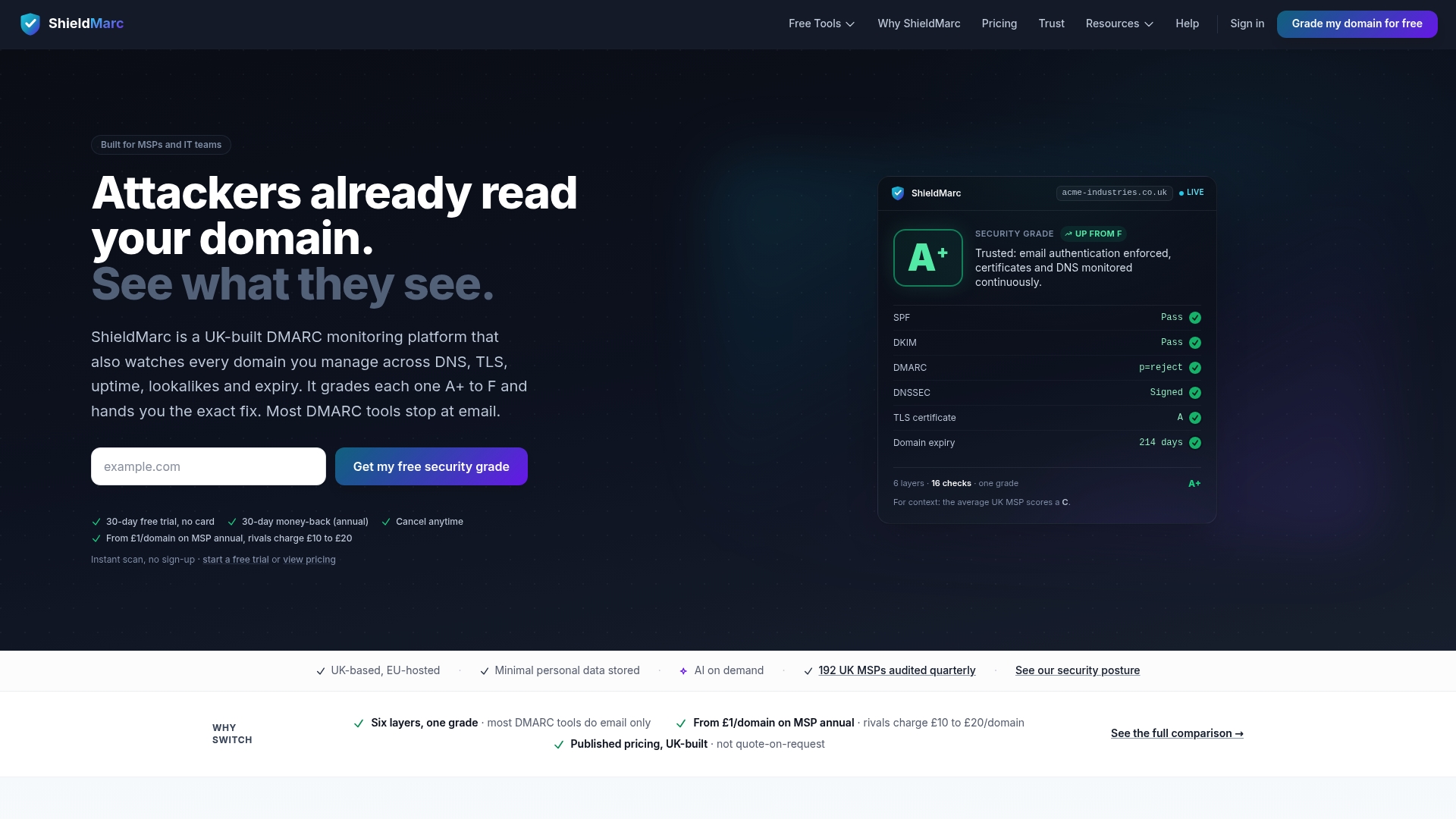
Beyond reports, Shieldmarc scores your entire domain ecosystem from A+ to F, covering DNS configuration, TLS certificates, expiry dates, and lookalike domains that a DMARC report alone will never show you. That wider view matters because a spoofing attempt often shows up in a lookalike registration weeks before it ever generates a failed authentication check. Run a free domain security scan on your primary domain now and see where the gaps actually sit.
Sources
FAQ
Is DMARC really necessary?
Yes. Without a published DMARC record, you have no visibility into who is sending mail using your domain, and no mechanism to tell mailbox providers what to do with unauthenticated messages.
Why am I getting DMARC reports?
You are receiving reports because your domain's DNS record includes a rua or ruf tag pointing to your mailbox, and mailbox providers are sending back the aggregate or forensic data you requested.
What does a DMARC report tell you?
An aggregate report tells you which servers are sending mail as your domain, whether those messages passed SPF and DKIM, and what policy action was applied, letting you spot unauthorised senders and configuration gaps.
Which is better, RUA or RUF, for day to day monitoring?
RUA is the better default for nearly every team, since it delivers consistent, low-overhead visibility across all senders. RUF is a supplementary tool for targeted investigations, not a substitute for aggregate monitoring.
Do I need to enable RUF at all?
Only if you anticipate needing message-level forensic evidence for specific incidents. Many organisations run DMARC successfully with rua alone, given how inconsistently providers actually send forensic data.