

A DMARC forensic report, also called a RUF report, is a near real time alert sent the moment a single email fails DMARC checks. It hands you the source IP, authentication results, and message headers behind that one failure, which is exactly what you need for incident triage. The catch: fewer mailbox providers send them, and privacy rules often strip the useful parts before they reach you.
TL;DR:
- Forensic reports are rarely sent by major providers like Gmail, making them a sparse data source mainly useful for detailed incident investigation.
- Most forensic reports exclude message content and often only include header snippets due to privacy laws and GDPR restrictions.
- Tuning the
fo=parameter in your DMARC record is crucial to balancing report volume and relevance, especially during active investigations.- Checking source IPs, DKIM selectors, and envelope sender fields helps identify spoofing, misconfiguration, or forwarding issues when analyzing forensic data.
- Automating report parsing and setting alerts for clusters of failures is essential at high email volumes to avoid overload and improve incident response.
Table of Contents
- Dmarc forensic reports: fields, attachments, and what gets stripped out
- How to request and receive rua reports for forensic analysis
- Which providers actually send forensic email reports
- Reading and investigating forensic data: a practical triage workflow
- Privacy, GDPR, and legal discovery: what teams must consider
- Operational limitations and best practices for handling report volume
- Turning parsed reports into action with Shieldmarc
- When forensic reporting is worth the effort
- Test your setup with Shieldmarc's free tools
- Sources
Dmarc forensic reports: fields, attachments, and what gets stripped out
Forensic reports follow the message/feedback-report format set out in RFC 6591, and a compliant report should include a consistent set of fields regardless of which mailbox provider generated it.
- Arrival-Date: when the failing message hit the receiving server
- Source-IP: the sending server's IP address, your starting point for attribution
- Authentication-Results: pass/fail detail for SPF, DKIM, and DMARC
- Reported-Domain: the domain the message claimed to be from
- Original-Mail-From: the envelope sender, useful for spotting forwarding chains
- DKIM selector: identifies which signing key was used, or should have been
Two optional attachments matter more than the rest: the original message headers and, sometimes, the full message body. Both are enormously useful for investigation, and both are exactly what receivers redact first. Privacy concerns mean you should expect a header snippet at best, rarely a full body.
How to request and receive rua reports for forensic analysis
You turn on forensic reporting by adding a ruf= tag to your DMARC DNS record, pointing to a mailbox or endpoint that can accept the volume. A typical record looks like v=DMARC1; p=quarantine; ruf=mailto:forensics@yourdomain.com; fo=1.
- Add the
ruf=URI, usually a mailto address, sometimes an HTTPS endpoint if your provider supports it - Set the
fo=tag to control which failures trigger a report - Publish encryption keys if your receiving mailbox requires signed or encrypted delivery
- Test the record with a validation tool before relying on it operationally
The fo= tag is where most of the tuning happens. fo=0 sends a report only when both SPF and DKIM fail, fo=1 fires on any mechanism failure and generates far more volume, fo=d reports DKIM failures specifically, and fo=s isolates SPF failures. Getting this wrong is the single most common reason teams either drown in noise or receive almost nothing. You can build and validate the record with the free DMARC record generator before pushing changes live.
Pro Tip: Start with fo=1 for a two-week window during an active investigation, then drop back to fo=0 once you have the data you need. Running fo=1 permanently on a high-volume domain will flood your inbox.
Which providers actually send forensic email reports
Availability is the honest limitation nobody advertises upfront. Several large mailbox providers have scaled back or stopped sending forensic reports entirely, and those that still send them frequently redact the original message content before delivery, citing privacy obligations. Gmail is a notable omission, which is significant due to its large share of global inbox traffic.
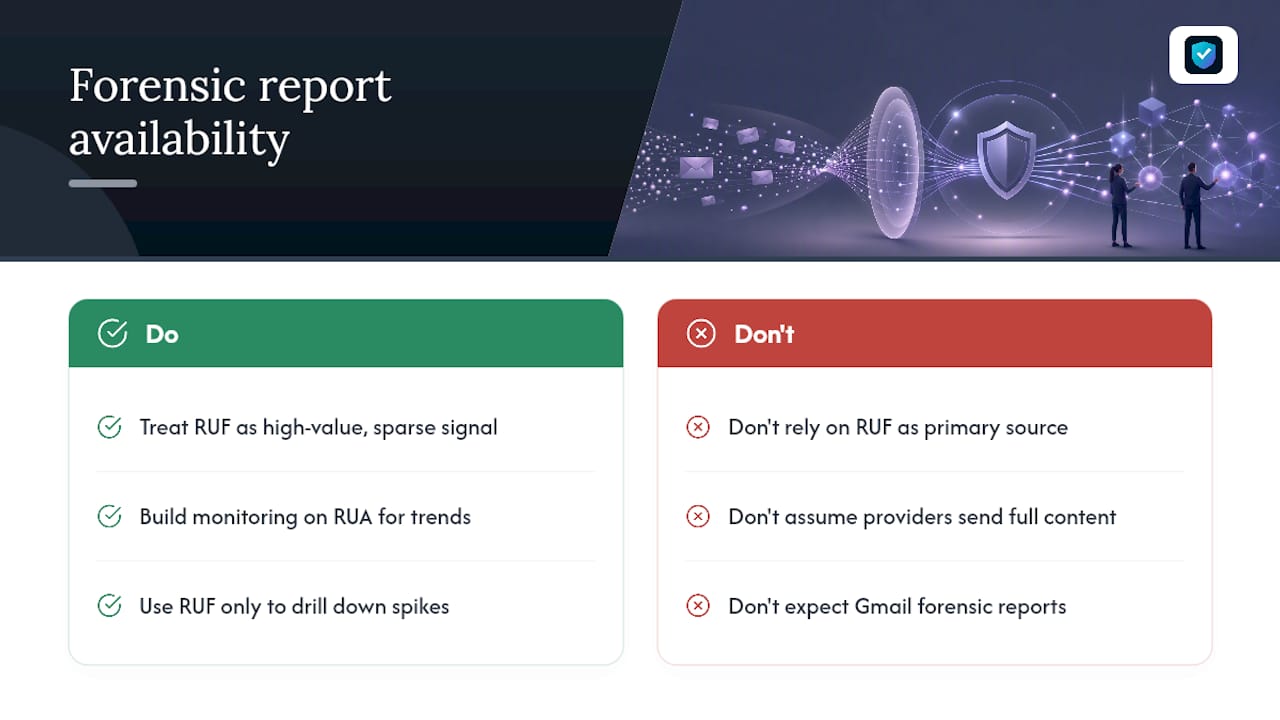
The practical implication: treat RUF as a high-value but sparse signal, not a primary data source. Build your monitoring around aggregate (RUA) reports for volume and trend visibility, and use forensic reports as the drill-down tool when RUA data flags a spike worth investigating.
Reading and investigating forensic data: a practical triage workflow
Once a forensic report lands, the investigation follows a fairly consistent path. Start narrow, then widen based on what the fields tell you.
- Check the Source-IP against your list of authorised senders and known infrastructure
- Compare the DKIM selector against your key rotation schedule, an unrecognised selector often means a misconfigured third-party sender rather than an attacker
- Review Original-Mail-From for signs of a forwarding chain rewriting the envelope
- Cross-reference the Reported-Domain against any recent DNS or SPF record changes
Three investigation paths cover most cases. Genuine spoofing shows an unfamiliar Source-IP with no legitimate relationship to your domain. Third-party misconfiguration shows a known vendor, a marketing platform or CRM, sending without proper SPF inclusion or DKIM signing. Forwarding-related failures show a mailbox provider rewriting headers in a way that breaks alignment, which is common with mailing lists and some corporate forwarding rules.
Feed parsed RUF data into your SIEM or EDR platform alongside existing email telemetry rather than reviewing reports in isolation. A single forensic report rarely justifies escalation on its own, but a cluster of reports pointing at the same IP range or the same DKIM selector over 24 to 48 hours is a strong enough pattern to open a formal incident.
Privacy, GDPR, and legal discovery: what teams must consider
Forensic reports sit awkwardly between operational necessity and data protection law, and that tension is exactly why so many providers water them down.
Under GDPR and equivalent UK data protection rules, message headers and body content can constitute personal data, which is why receivers routinely redact or withhold the fuller attachments before forwarding a report. If you operate in the EU or UK, assume incoming reports will be thinner than the RFC 6591 spec technically allows for.
There is a second, less obvious risk: forensic reports and the analysis built on them can be discoverable in litigation. They are not automatically privileged simply because a security team produced them. If forensic data might end up feeding an incident response tied to a breach notification or a legal dispute, loop in counsel early and structure your collection process for minimisation from the start. Set clear retention limits, encrypt stored reports at rest, and restrict access to the people who genuinely need it.
Operational limitations and best practices for handling report volume
Raw forensic feeds are unmanageable at scale without some filtering discipline. A handful of habits separate teams who get value from RUF from teams who abandon it after a month.
- Tune
fo=deliberately rather than defaulting to maximum verbosity - Apply recipient-side filters to drop reports from known noisy or low-risk sources
- Sample high-volume domains rather than capturing every single failure
- Enrich parsed data with IP reputation and ASN lookups before it reaches an analyst
- Set alert thresholds so isolated one-off failures do not page anyone
Pro Tip: If your domain sends a relatively low volume of messages daily, manual review of forensic reports is manageable. Above that, automated parsing stops being optional.
For most domains, forensic reports are worth enabling during active incidents or when you suspect targeted spoofing, and worth disabling or heavily filtering otherwise. Aggregate reports and DNS monitoring carry the day-to-day load.
Turning parsed reports into action with Shieldmarc
Parsing raw XML and MIME attachments by hand does not scale past a handful of domains. Shieldmarc's DMARC Report Viewer parses both aggregate and forensic data into a readable format, which maps directly onto the triage steps above without you building your own pipeline. For MSPs managing dozens of client domains, that parsing layer plus continuous domain grading turns scattered forensic alerts into something you can actually act on and feed into a SIEM.
When forensic reporting is worth the effort
Enable forensic reporting when you are actively investigating suspected spoofing, running an incident response, or onboarding a domain where you genuinely do not trust the sending landscape yet. Outside those windows, aggregate reports carry less legal weight and less noise. Before switching RUF on, agree retention limits with whoever owns compliance, confirm your parsing pipeline can handle the volume, and set a review date to turn it back off.
— Nathan
Test your setup with Shieldmarc's free tools
Shieldmarc gives you a faster way to see what your DMARC setup is actually reporting, without spending a weekend building parsers or reading RFC specifications line by line. Start with the free DMARC record generator to build a correctly formatted ruf= and fo= configuration, then run your domain through the SPF, DKIM & DMARC checker to confirm the change took effect as intended.
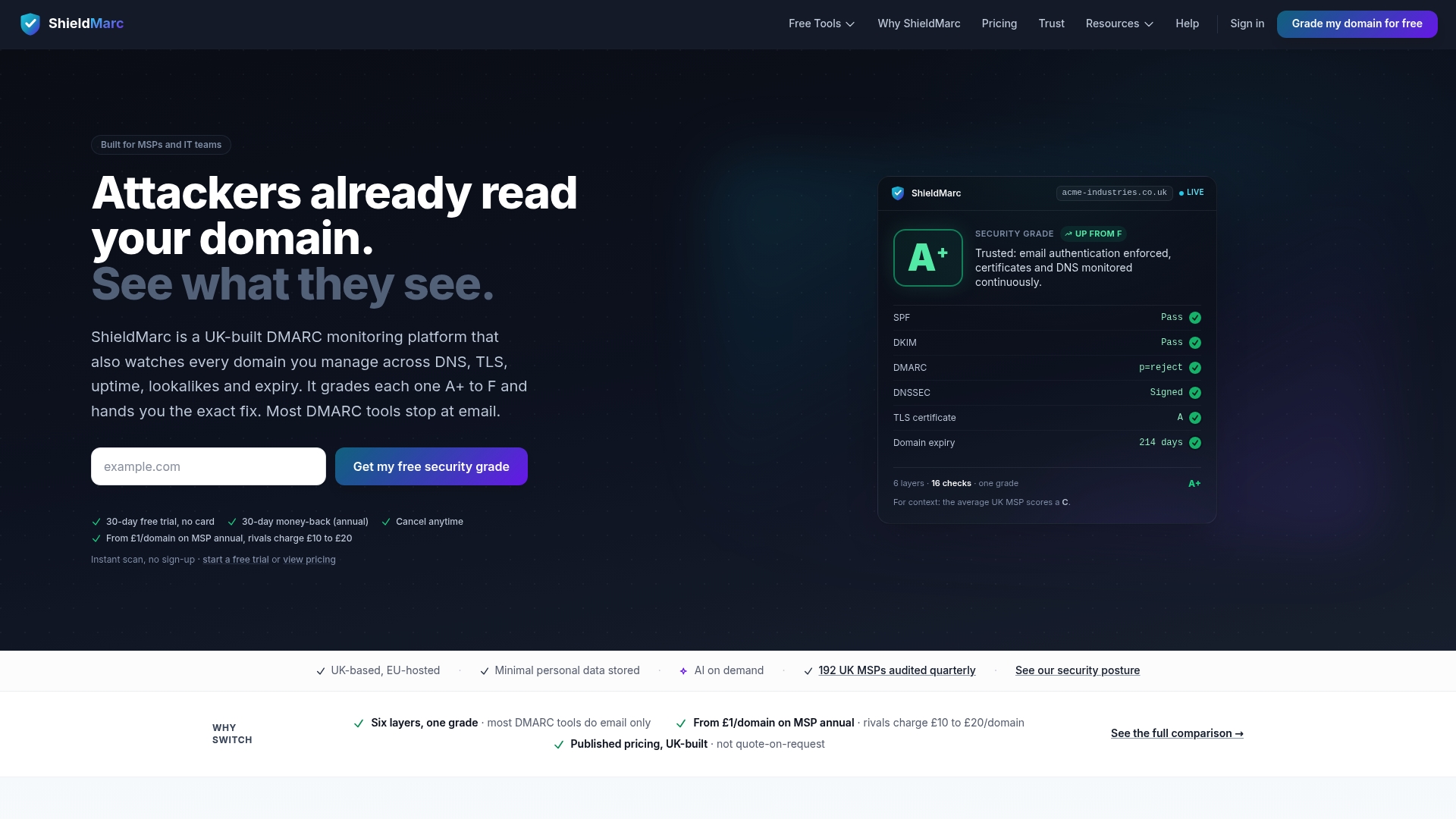
Where domain security tools earn their keep is afterwards: grading your entire domain ecosystem, not just email authentication, and flagging DNS misconfigurations, expiring TLS certificates, and lookalike domains before they turn into the next spoofing incident you have to chase through forensic reports. For MSPs managing multiple client domains, that means one dashboard instead of a dozen scattered inboxes full of RUF alerts. Run a free scan on your primary domain and see what your current setup is missing.
Sources
- Defending the privilege of a forensic report - Squire Patton Boggs
- Data protection — European Commission
Recommended
Made with BabyLoveGrowth to strengthen your backlink profile